
Feature
Embed one payment form. Configure every transaction.
Add Orchestra’s JavaScript payment form once. For each transaction, select the payment method, PSP, merchant account and 3D Secure requirement.
One form to rule all payments.
Use one embedded form for different payment methods. Add supported methods as your needs grow.
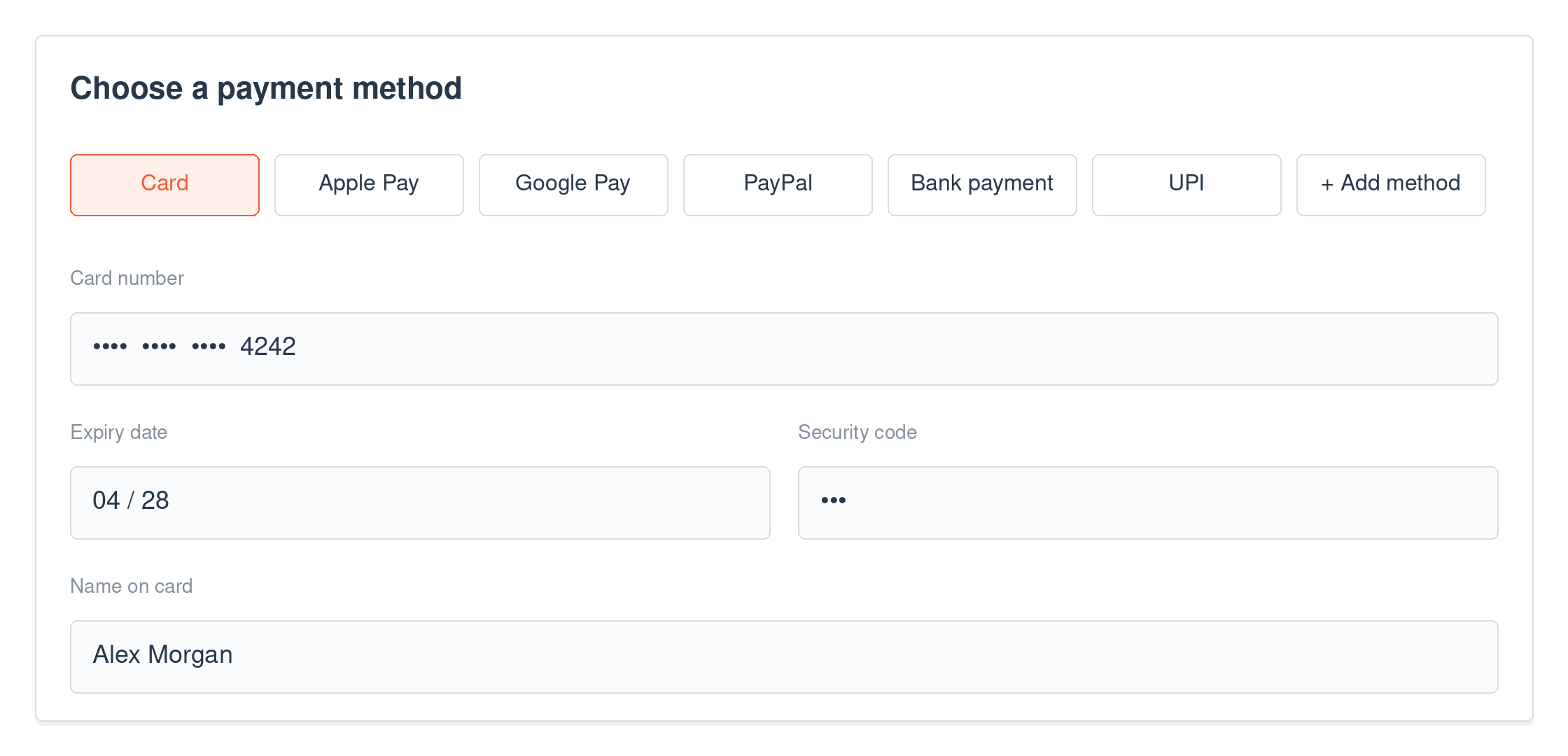
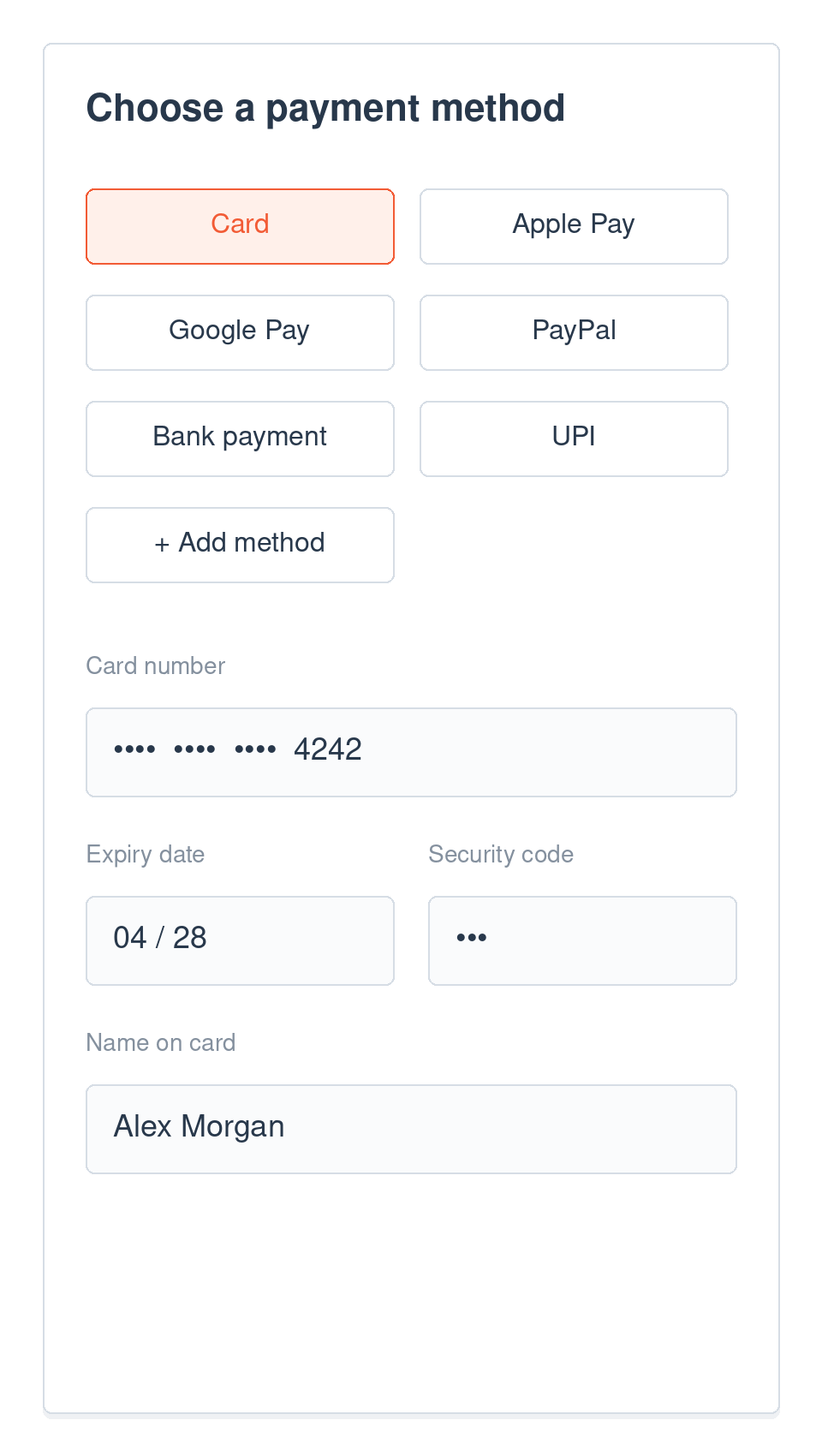
Collect payment details. Keep raw card data off your servers.
The embedded form sends sensitive payment details to Orchestra. Your application supplies the transaction configuration and receives a standardized result.
Apply 3D Secure per transaction.
Enable 3DS when required. Orchestra performs authentication through its PSP-agnostic provider or through the selected PSP where required.
Teams that embedded one payment form
eSIM provider
Adds payment methods for new markets through one JavaScript library, without a new integration for each.
Fitness software
A single JavaScript library replaces separate processor integrations across its gym customers.
Build it
Create a session. Mount the form.
Your server opens a Payments Library session with the amount, gateway account and allowed methods. The browser renders the form with the session token.
app.post('/api/create-session', async (req, res) => {
  const response = await fetch('https://api.orchestrasolutions.com/EWalletOperations', {
    method: 'POST',
    headers: {
      'X-Api-Key': process.env.ORCHESTRA_API_KEY,
      'Content-Type': 'application/json'
    },
    body: JSON.stringify({
      operation: 'CHARGE',
      paymentGatewayAccountId: process.env.PAYMENT_GATEWAY_ACCOUNT_ID,
      allowedeWalletAccountIds: ['card-payments', 'google-pay-prod'],
      allowedBrands: ['Visa', 'MasterCard', 'AMEX'],
      currencyCode: 'USD',
      countryCode: 'US',
      amount: 49.99,
      mode: 'TEST'
    })
  });

  const data = await response.json();
  res.json({ sessionToken: data.token });
});
Server side: open a session for a $49.99 card or Google Pay payment. From the Library setup guide.
FAQ
Questions you probably have.
Can I add a new payment method?
Absolutely, adding new options like credit cards, digital wallets, or even ACH is quick and easy. You’ll have full control over the payment journey – everything from data capture to secure storage and final charge. It’s all designed to enhance the payment experience for your customers. If you would like to request Orchestra integrate with a new payment method, simply contact our team and let us know who you would like to add.
Can Orchestra handle ACH payments?
Yes! You can add support to bank accounts as a payment method through Orchestra.
Does Orchestra support digital wallets?
Yes! Orchestra offers the ability to collect payments using many of the most common digital wallets in the market, such as ApplePay, GooglePay, PayPal and more.
Do integrations work with both Orchestra API and Library?
Most integrations support both. Some providers with complex authentication flows may launch with API support first, with Library support added later. The Library and the API work together: see how the Library and API work together.
Go deeper on checkout and payment methods




More from the same API.
Related on this site
Test the embedded flow in your sandbox.
100 live requests every month, plus unlimited sandbox testing. No credit card required.
Ready
→
Collecting
→
Complete