
Feature
Connect once. Orchestrate every payment.
Send one normalized request. Choose the primary provider and an ordered fallback list for each transaction.
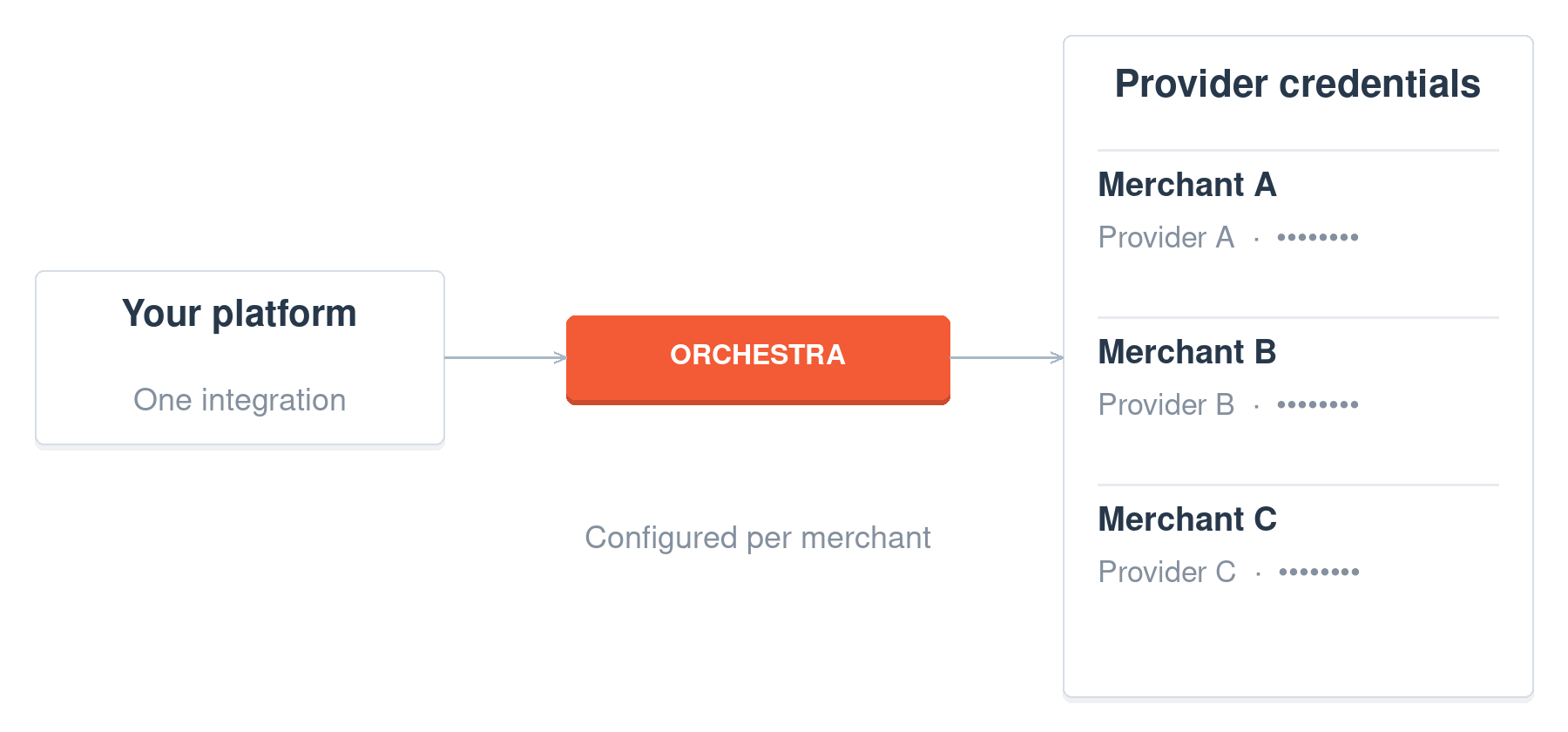
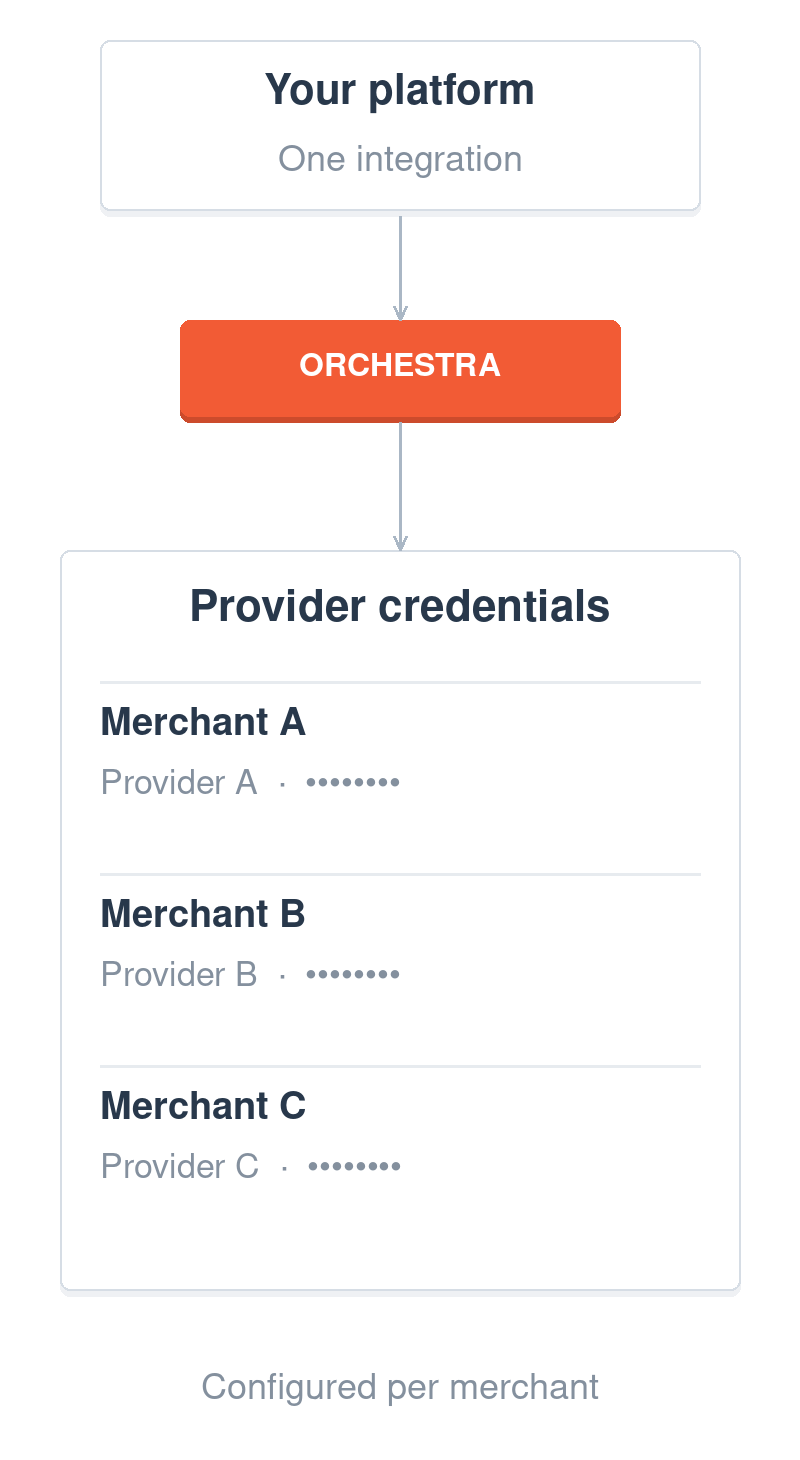
Store provider credentials in Orchestra.
Manage each merchant’s PSP credentials through the portal or API instead of storing them in your own systems.
Your application sets the route.
Apply your own business logic, then send the primary provider and ordered fallback list with each transaction.
Orchestra executes the order.
Providers are tried sequentially until one succeeds or the list is exhausted.
Add new providers. No extra development fees.
Orchestra develops and maintains provider connectors. Approved new integrations can be added at no extra development fee, subject to feasibility review.
Teams that route across providers
Ad-tech group
Three regional entities, one integration. Each transaction goes to its entity’s processor, and new processor relationships are configuration changes.
Healthcare SaaS
When the primary gateway has problems, transactions fail over to backup processors with no action from the practices.
Build it
Name the primary. List the fallbacks.
Add a fallbackUpgs array to a charge, authorize or Payments Library session. Orchestra tries each gateway account in order until one succeeds.
const response = await fetch('https://api.orchestrasolutions.com/PaymentGateway/charge', {
  method: 'POST',
  headers: {
    'Content-Type': 'application/json',
    'X-Api-Key': 'YOUR_API_KEY'
  },
  body: JSON.stringify({
    amount: 25.00,
    currency: 'USD',
    paymentGatewayAccountName: 'stripeProduction',
    fallbackUpgs: [
      { paymentGatewayAccountName: 'adyenBackup' },
      { paymentGatewayAccountName: 'worldpayTertiary' }
    ],
    card: {
      cardNumber: '@nQGywsQE9gbURtrXEjTZwtWqeMdK9nsO',
      cardHolderName: 'Jane Smith',
      expirationMonth: 12,
      expirationYear: 2027
    }
  })
});

const result = await response.json();
A charge with two fallback gateway accounts. From the failover guide.
FAQ
Questions you probably have.
Can Orchestra help me switch payment processors?
Of course. Whether you’re looking to replace an existing processor or add more options, Orchestra makes switching effortless. With our platform, you can test new gateways or payment methods without disrupting your current systems.
How long do new integrations take?
New integrations you request are added in under two weeks, at no cost, after a feasibility review of the provider’s API. Providers with unusual authentication or API patterns can take longer; we’ll give you a realistic timeline after reviewing their documentation.
Do you charge for custom integrations?
No. New integrations are added to Orchestra at no additional cost. This includes development time, testing, and ongoing maintenance. You pay the same per-transaction rates regardless of which providers you use.
What if a provider changes their API?
We monitor all integrated providers for API changes and handle updates automatically. Provider API maintenance is included in your Orchestra service – no action required from your development team.
Do integrations work with both Orchestra API and Library?
Most integrations support both. Some providers with complex authentication flows may launch with API support first, with Library support added later. The Library and the API work together: see how the Library and API work together.
What happens if a provider integration breaks?
We monitor all integrations continuously and handle maintenance automatically. If a provider changes their API unexpectedly, we implement fixes and deploy updates without requiring changes to your code.
Go deeper on failover and routing






More from the same API.
Sandbox
Test every route in the sandbox.
Use provider sandboxes and Orchestra mock providers to simulate success and failure before production.
Mock provider A: failed
→
Mock provider B: approved